Getting the Map Kit
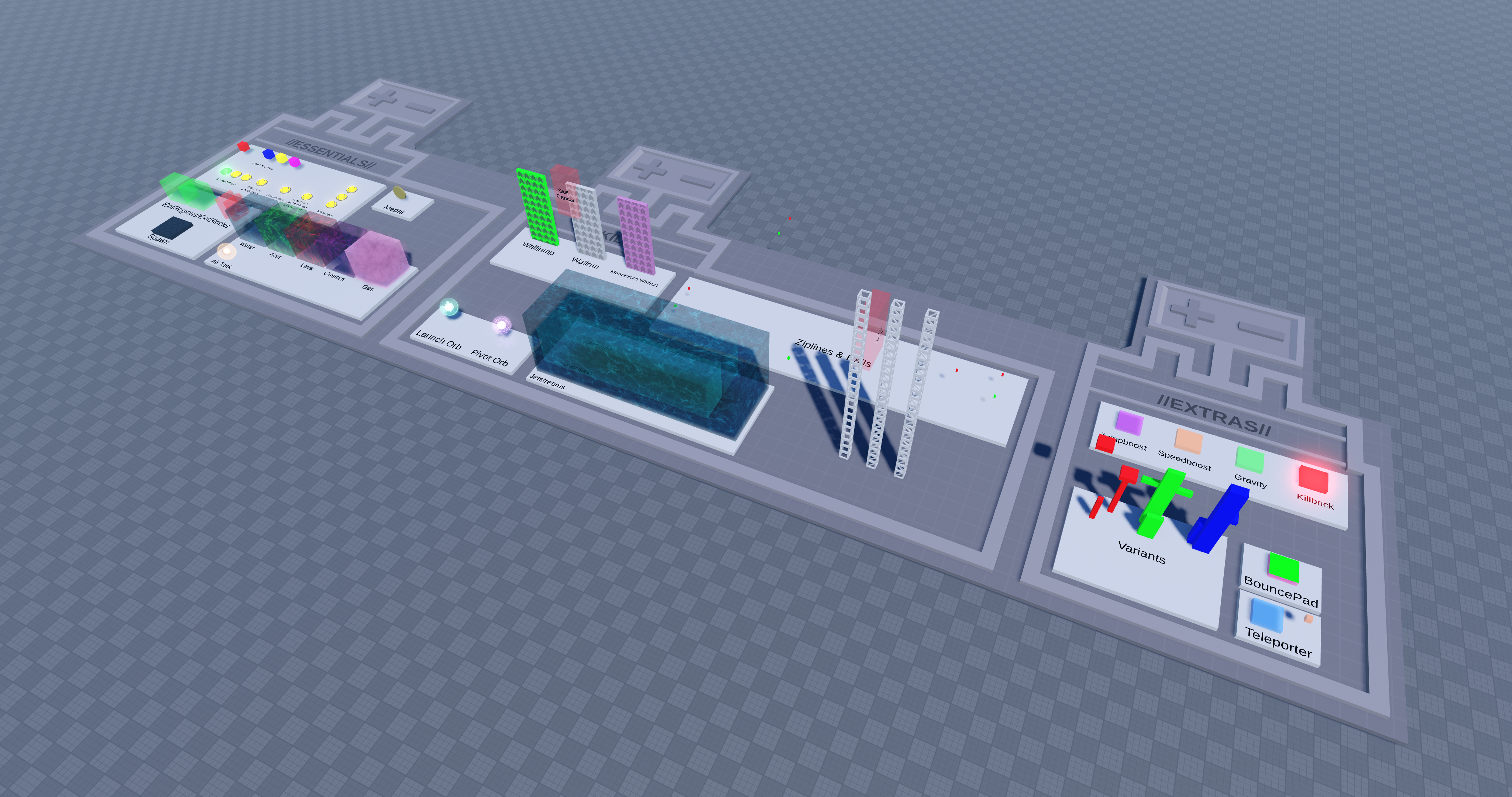
The official TRIA.os Map Kit comes as a Roblox model containing the proper structure needed to work inside the TRIA.os game. It is generally recommended you start with this when creating a new map.
To get the map kit, you can either purchase the map kit (for free) or by inserting it via the TRIA Mapmaking Companion plugin, which can be installed here.
Via the TRIA Plugin
While the Mapmaking Companion isn’t strictly necessary to create a functioning map, it provides many useful tools almost every step of the way.
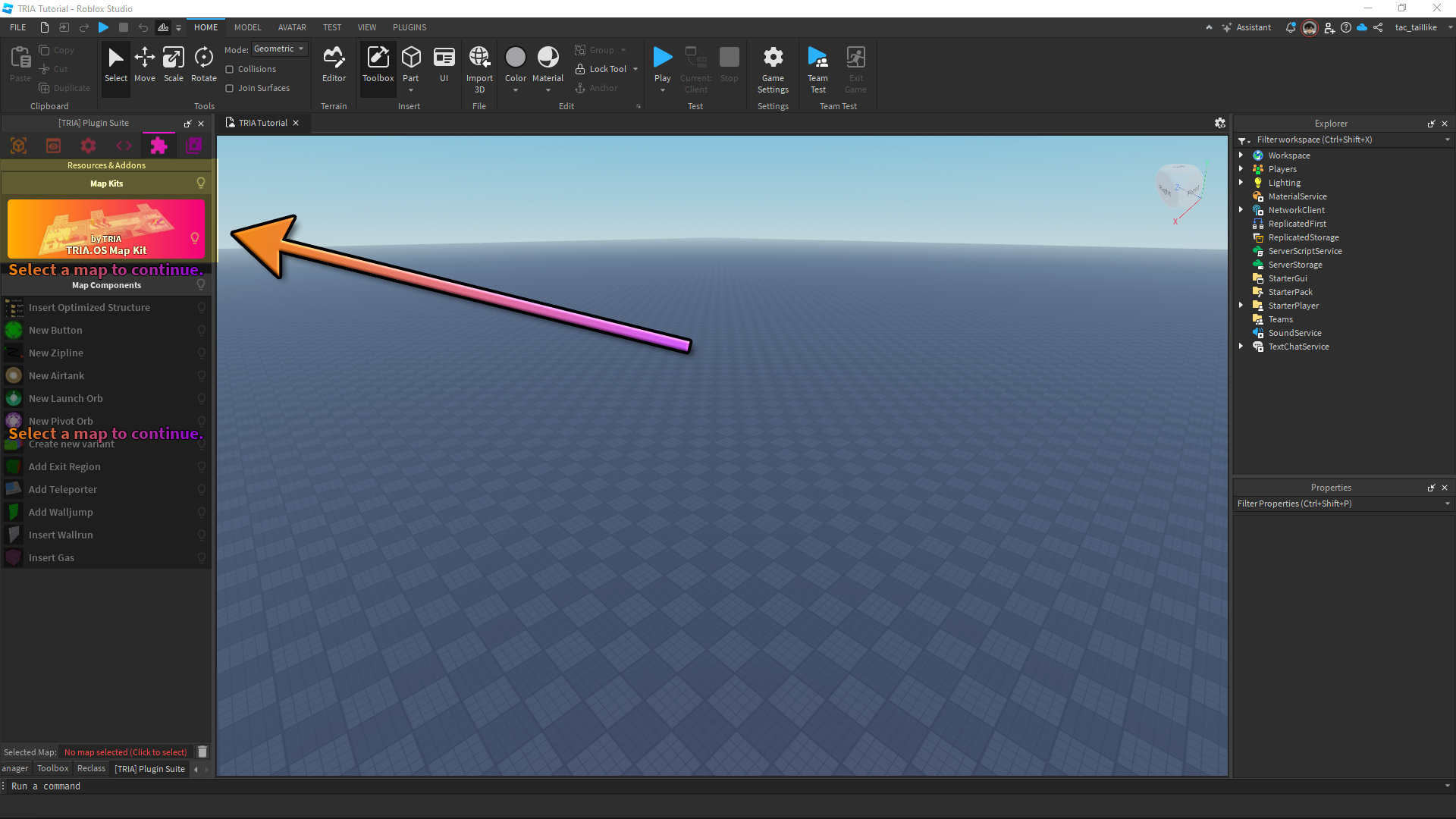
After installing the plugin, open it in Roblox Studio and insert the Map Kit from the 🧩Resources tab. You can then select the model and open it in the plugin by clicking at the bottom of the panel where it says No map selected (Click to select)